

Getting Access
Accessing the Ragkit platform involves creating an organization and then generating a secure API key.1
Create an Organization
After signing in, make an organization for your team and invite your team members in the dashboard. Things like billing, rate limits, and data access are scoped to an organization.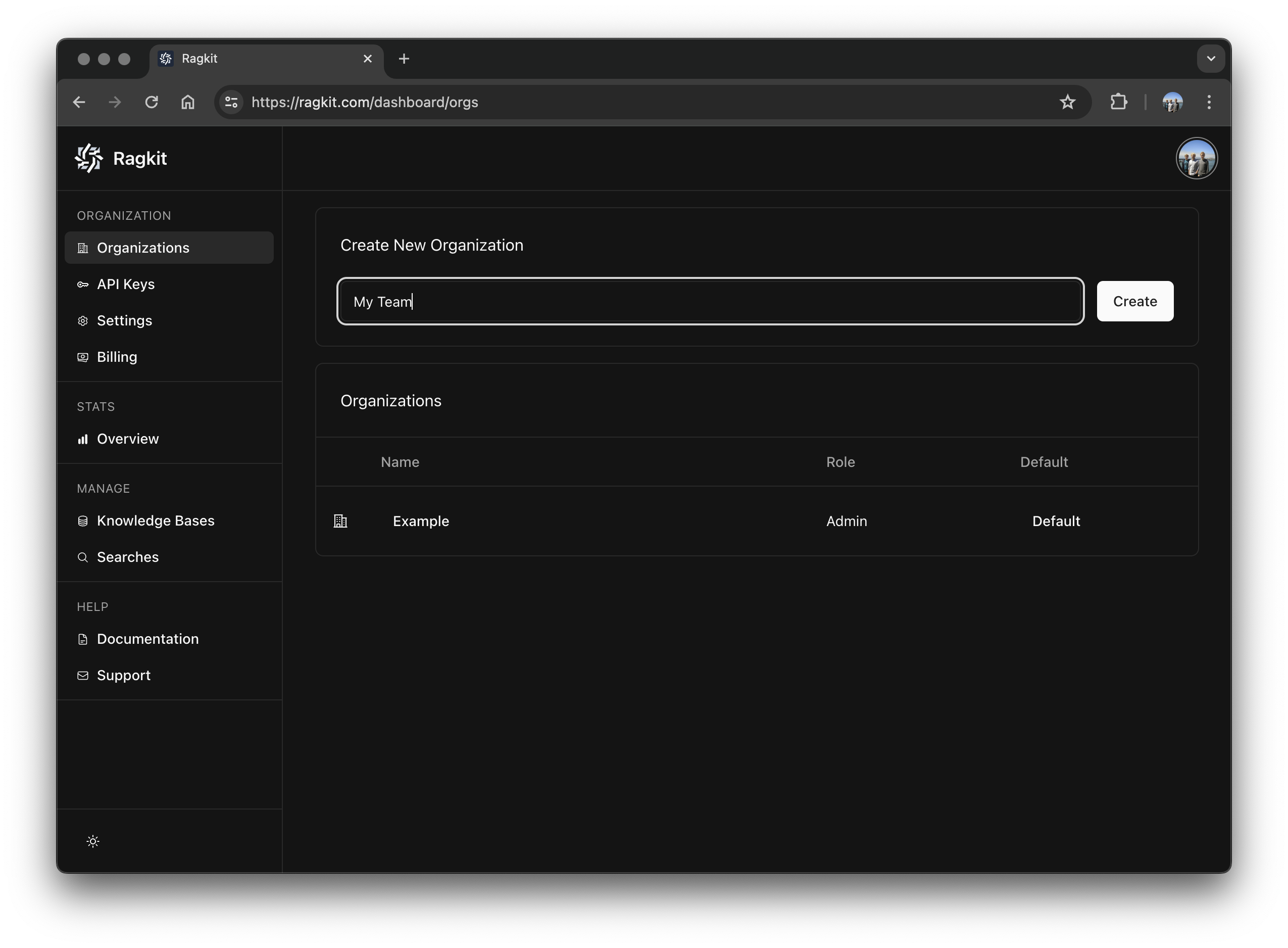
2
Generate an API Key
An API key is used to securely access the Ragkit API as your organizaiton. Make sure to store it in a secure location. We never store your API key and it will not be shown again.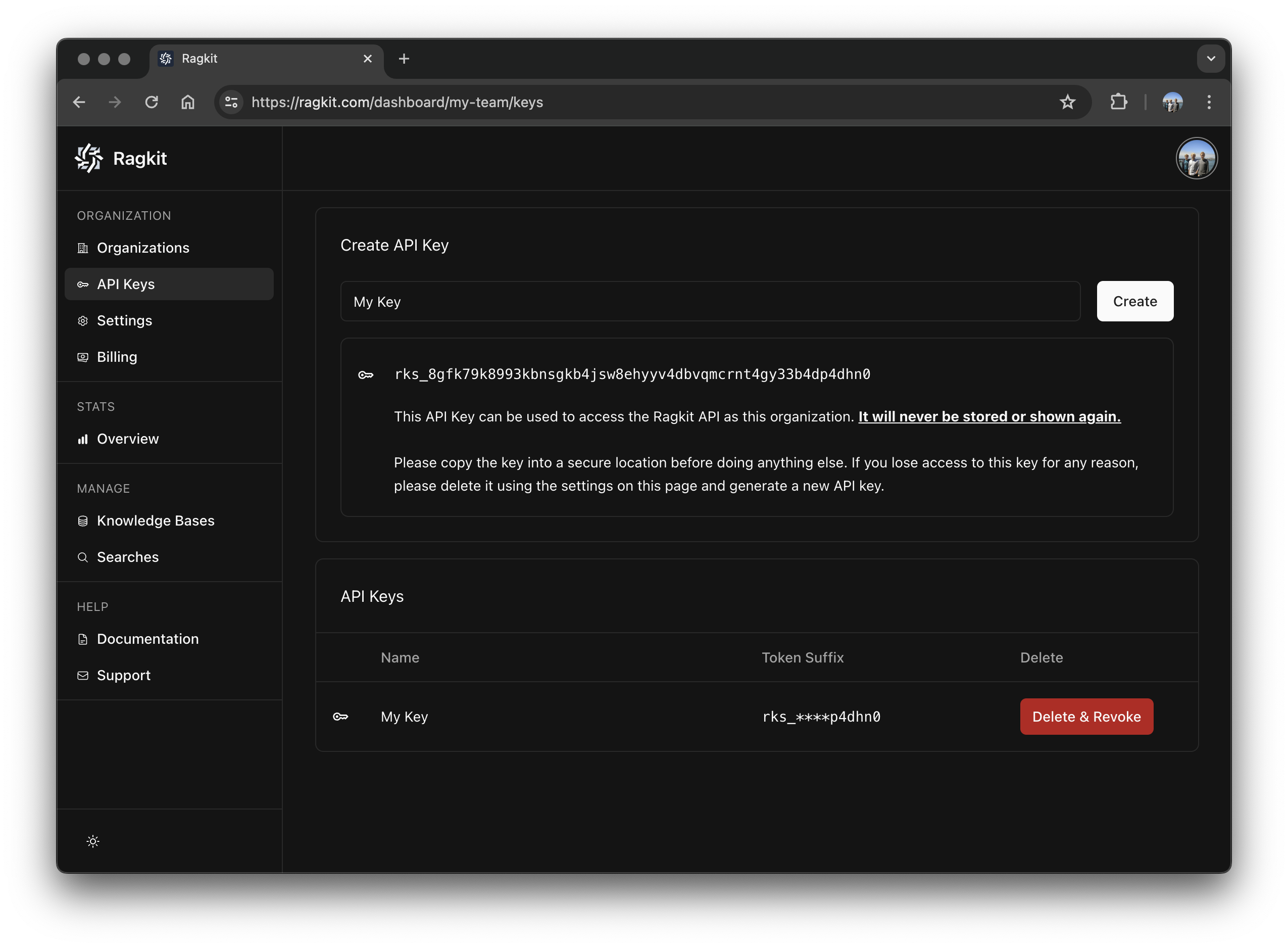
3
Send API Requests
Now you’re ready to send requests! Keep reading to learn the basics of the Ragkit Platform, or head on over to the API documentation.
Platform Basics
1
Commands
The Ragkit platform is made up of commands than can be composed together to build powerful applications. Each command has a narrow purpose and adheres to the Unix philosophy.
2
Namespaces
All data in the platform is siloed according to a
namespace. Data cannot cross a namespace boundary implicitly. Organizations may create many namespaces, and in multi-tenant applications it’s common to create a namespace for each tenant.Common commands:NS_CREATE
Creates a new
namespace.NS_LIST
Lists all
namespaces in an organization.3
Agents
An
agent is a way to group data and tool access. agents can be very specific (an expert with documents about a single domain), or broad (an agent that routes request to other agents in the namespace).Common commands:AG_CREATE
Creates a new
agent.AG_REQUEST
Request output from an
agent.4
Documents
Documents contain information that you want to be processed and made available to a specific
agent (Text, PDFs, Word Documents, Presentations, Website URLs, etc.).Common commands:DOC_ADD
Makes a
document available to an agent.